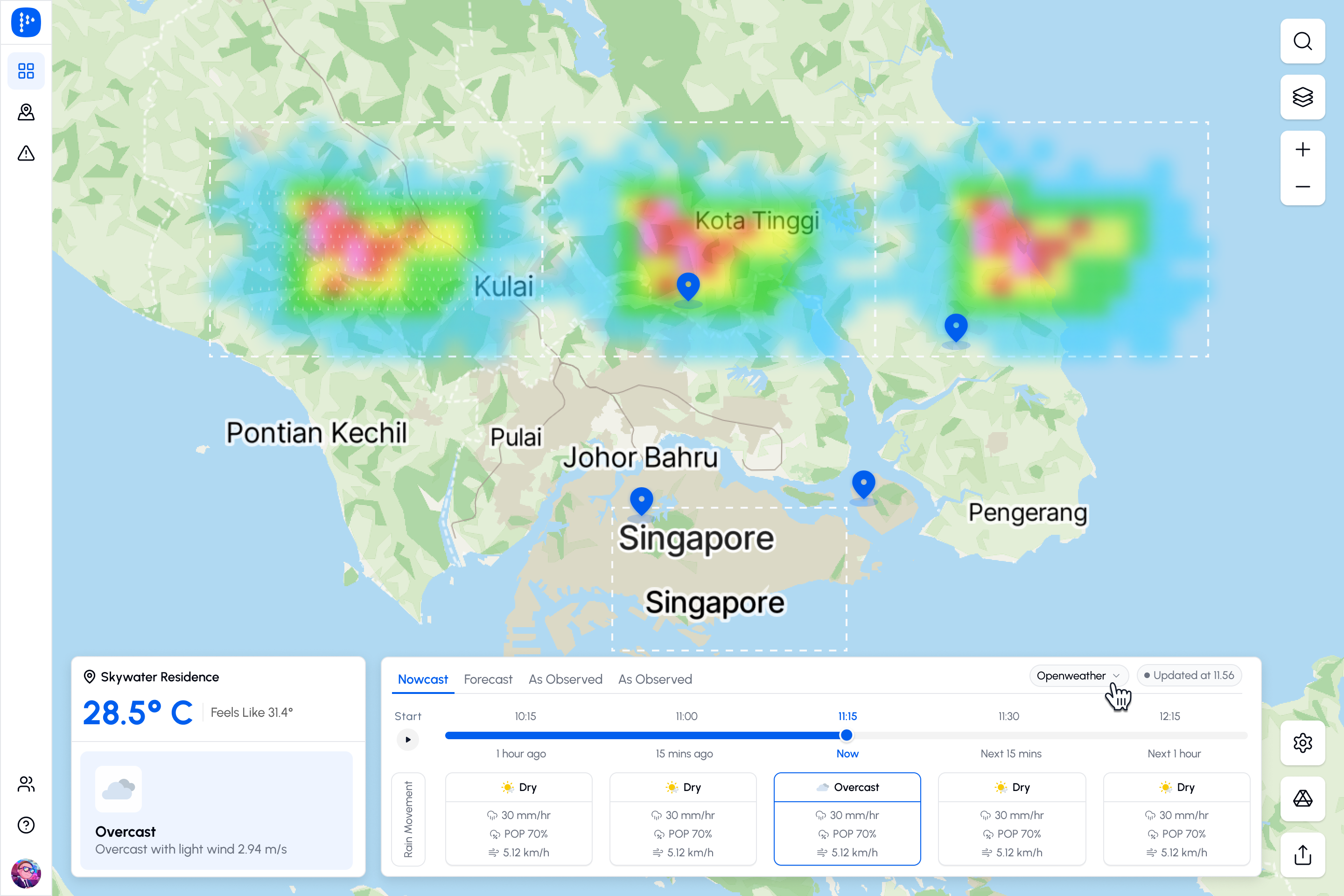

Know which site is getting hit before your team calls.
Every site. Every 2 minutes. Set your thresholds once and let Pluvia alert you the moment conditions cross the line.
Trusted by leaders from various industries





Every tool your ops team needs to stay ahead of rain
One dashboard. Live maps, short-term forecasts, smart alerts, and historical playback — everything your operations team needs to make confident weather-driven decisions
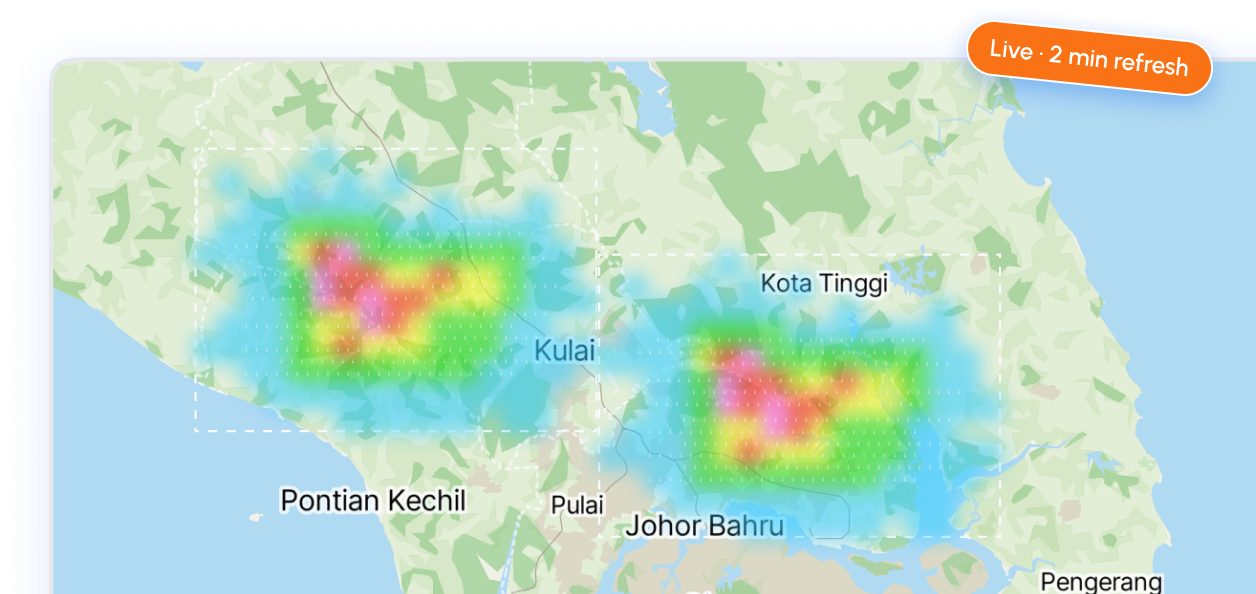
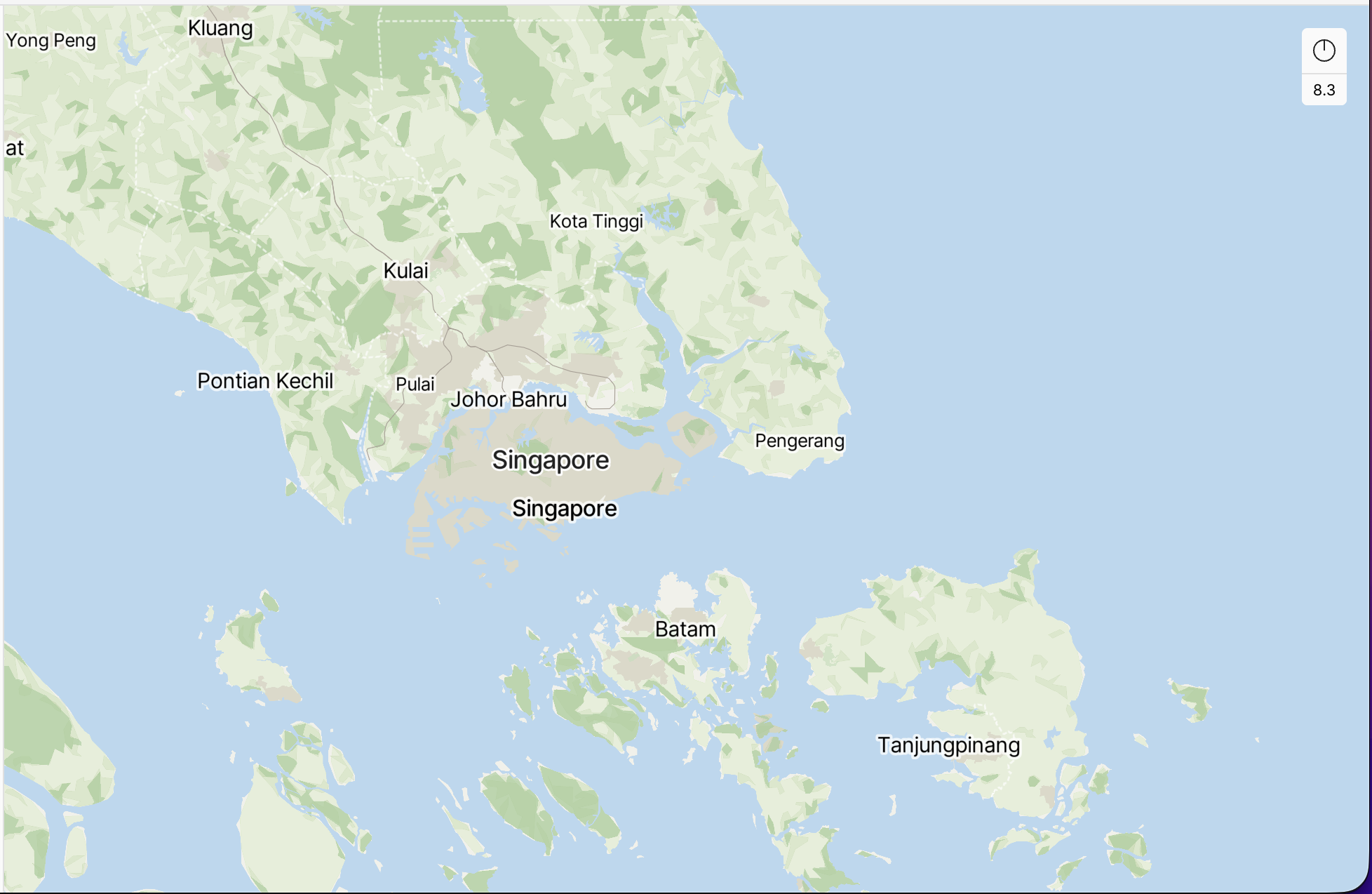
Live Rain Maps
100m-resolution rainfall maps across all your sites, refreshed every 2 minutes.
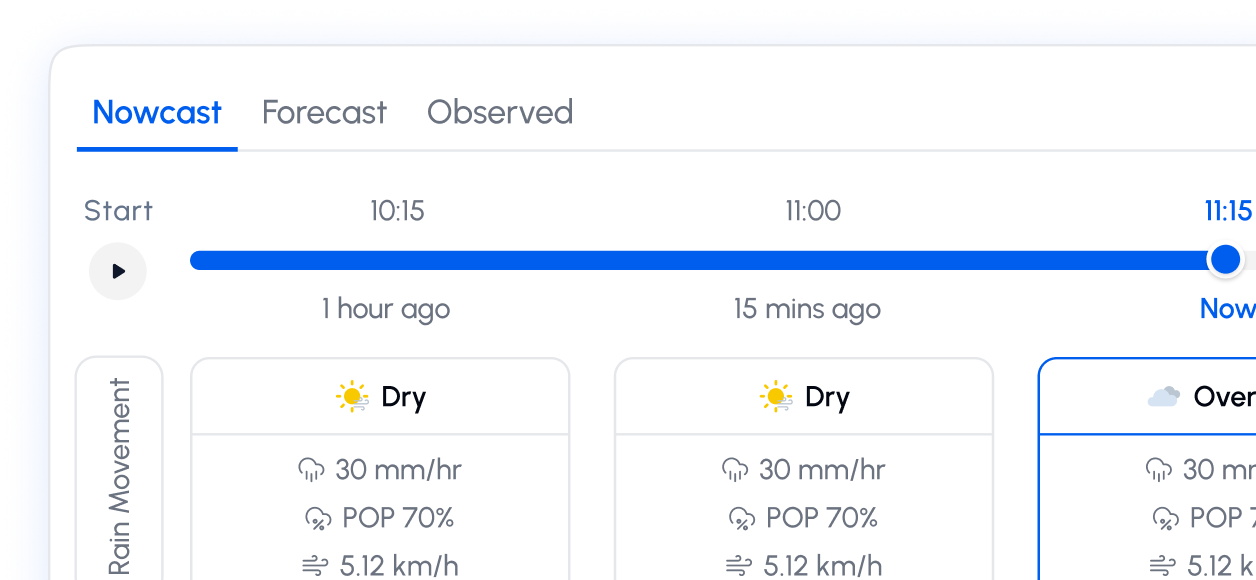
Nowcast + Forecast
Hyperlocal nowcasts refreshed every 2 minutes for the next 3 hours. Hourly and daily forecasts out to 10 days — so you can act now and plan ahead
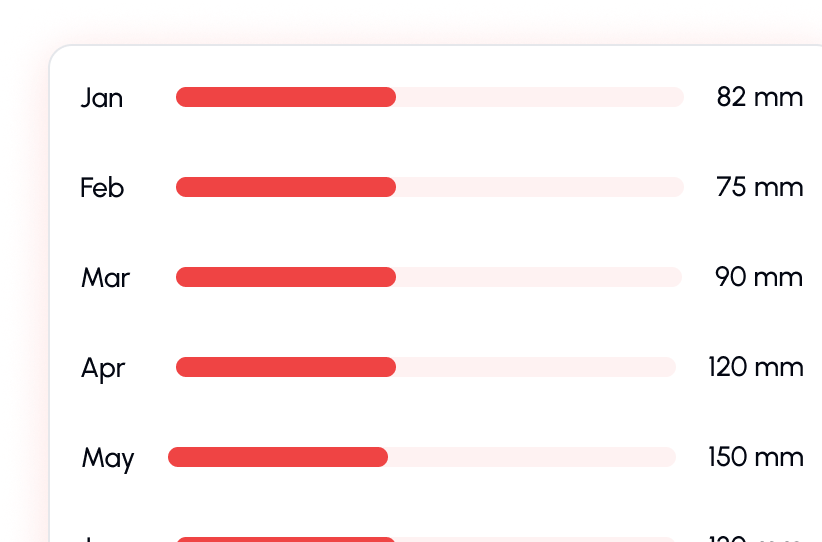
Historical Playback
Replay any rainfall event across any time window for incident reviews, pattern analysis, or team briefings
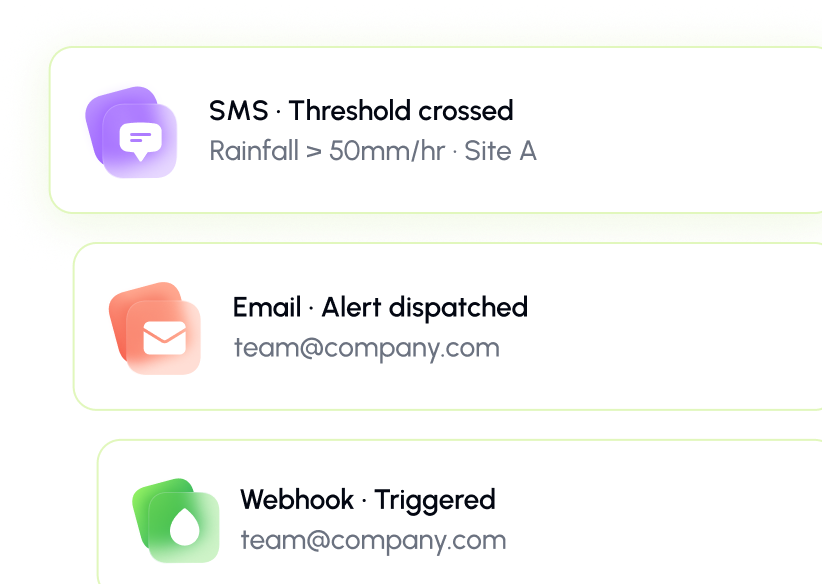
Smart Alerts
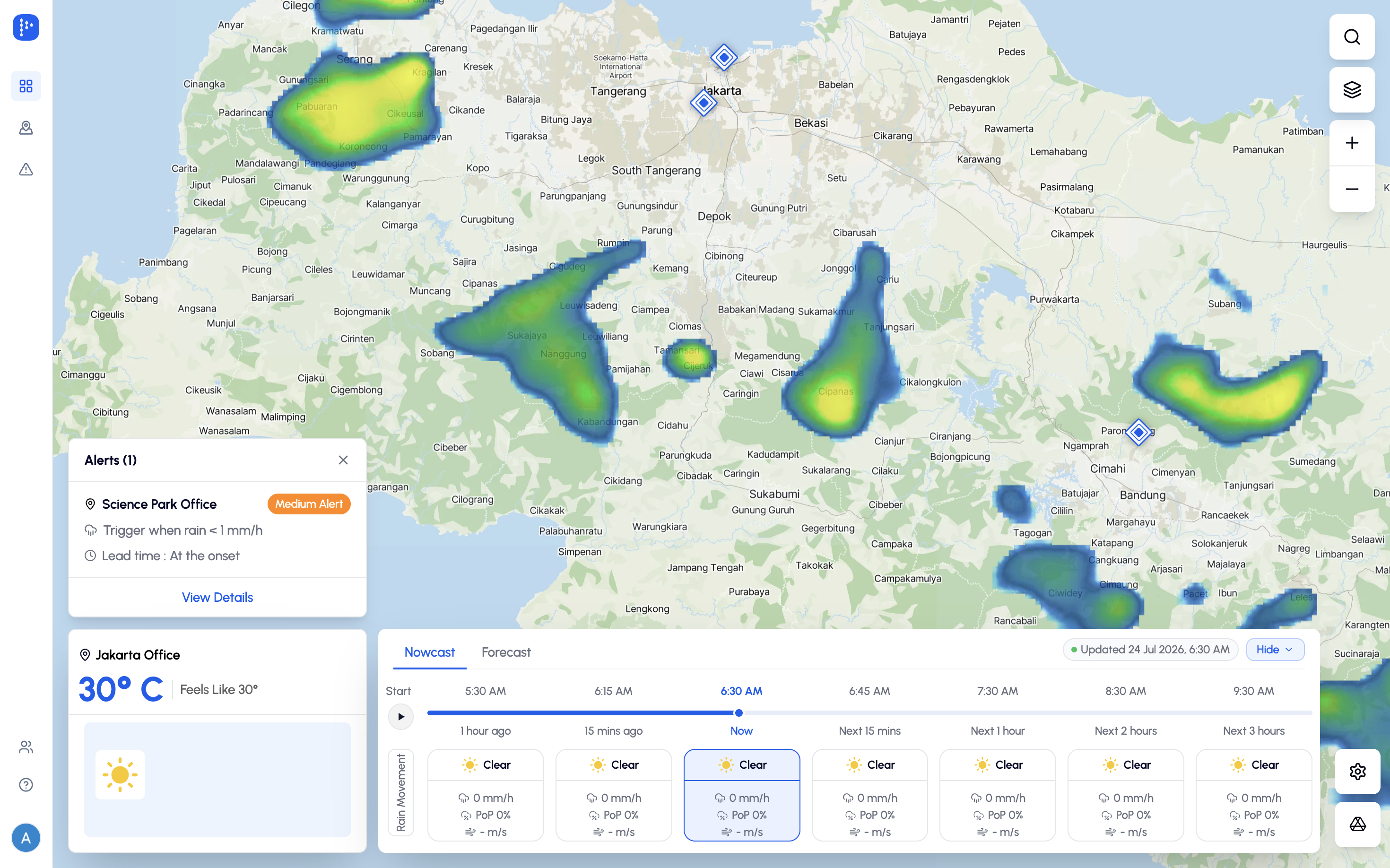
Set your thresholds once. Get SMS, email, or webhook alerts the moment rainfall crosses the line.
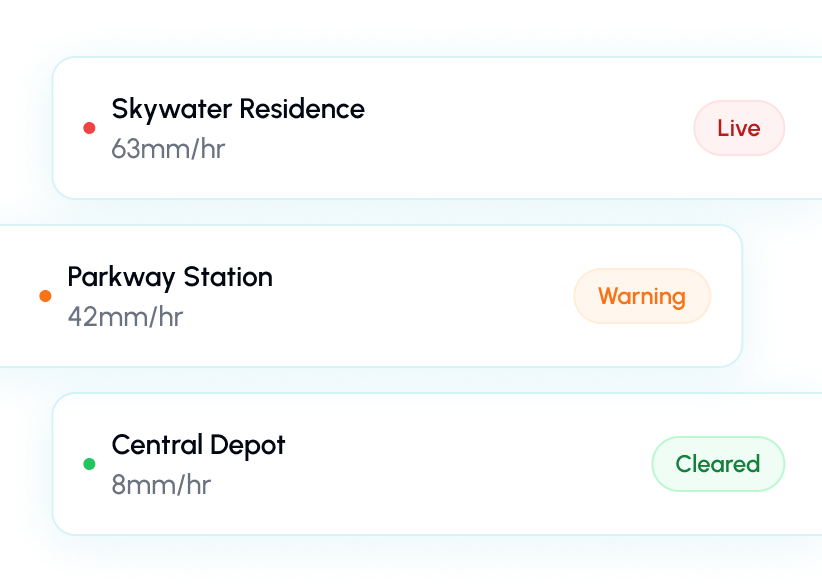
Multi-Site Ops
Monitor every site in one view — live status, instant drill-down, no tab-switching.
Stop finding out from your team. Find out first
Set rainfall thresholds for every site. Pluvia monitors 24/7 and fires alerts via SMS, email, or webhook — so your team can act before conditions escalate.
STEP 1
Choose What to Monitor
Select the locations, sites, or coordinates that matter most to your operations.
STEP 2
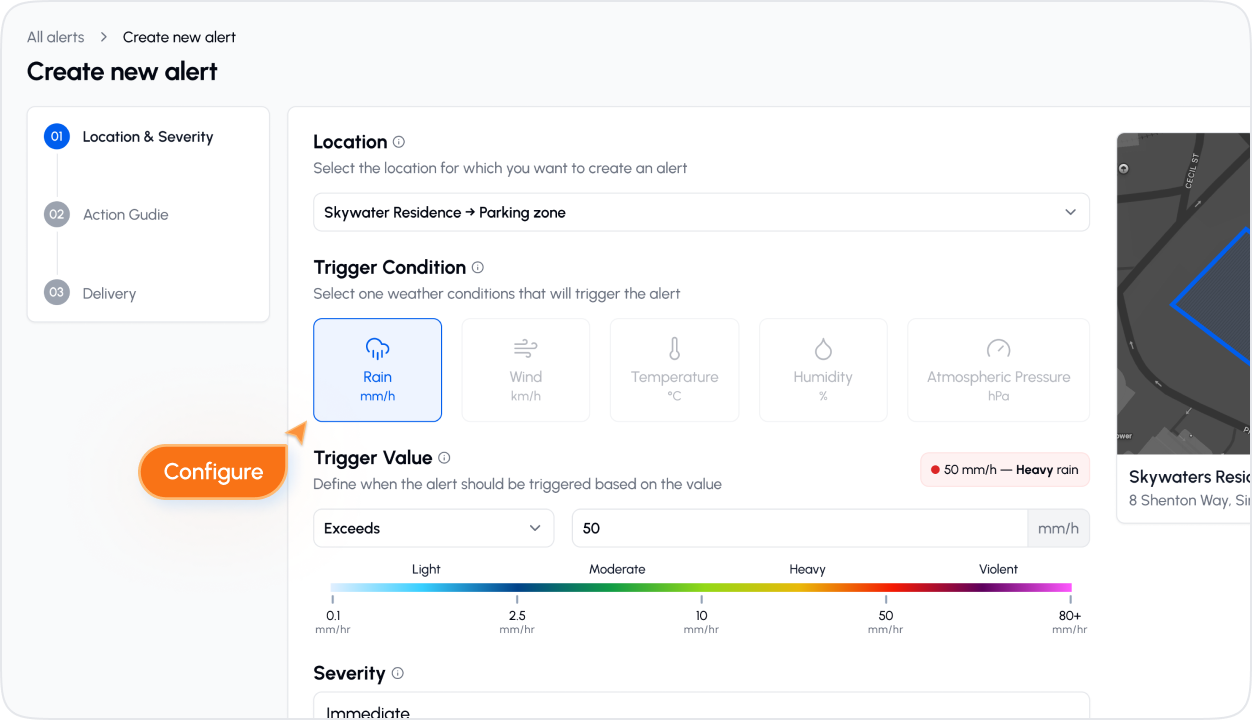
Configure Alert Rules
Define rainfall thresholds, cooldown periods, and how you want to be notified — per site or per condition.
STEP 3
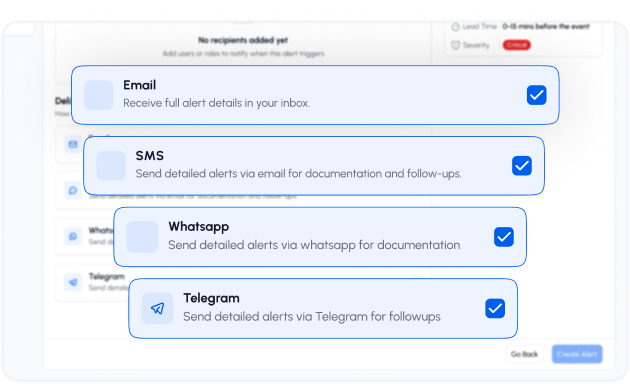
Get Notified Instantly
Alerts fire the moment conditions breach your threshold — via SMS, email, or webhook, straight to the right person.
Questions about the rAIn Dashboard
Quick answers about how the dashboard works, what data it uses, and how to get started
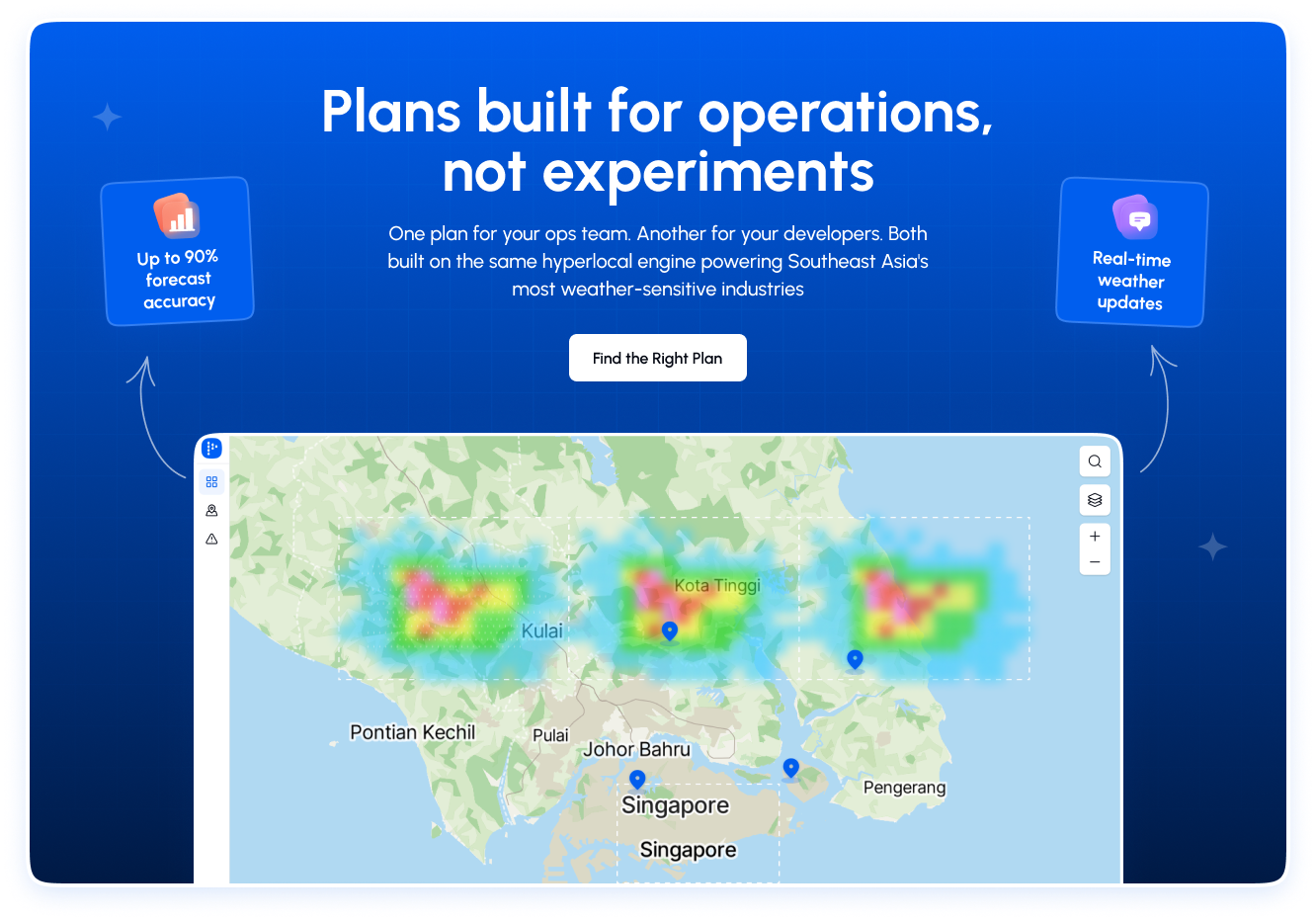
Plans built for operations, not experiments
One plan for your ops team. Another for your developers. Both built on the same hyperlocal engine powering Southeast Asia's most weather-sensitive industries